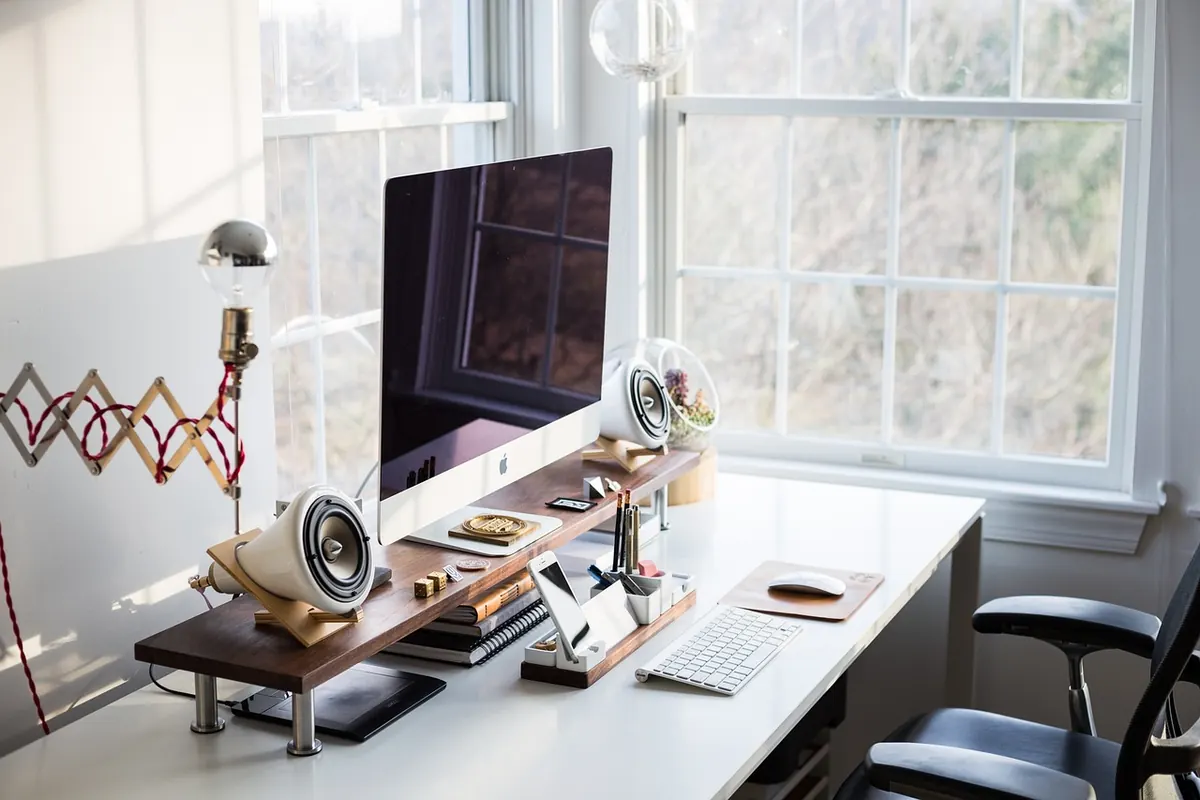
Picture a Tuesday morning. A salesperson's laptop refuses to boot, the bookkeeper is working from a kitchen table, and a new hire starts Monday with no machine ordered yet. In an office of desktop PCs, each of those is a small crisis — and each one quietly eats an afternoon you never budgeted for. Now picture the same Tuesday in an office where none of it matters, because the work does not live on anybody's machine. It lives in a data center, and people simply borrow it for the day. That is the promise of the virtual desktop, and for a small business it is worth understanding properly before you either wave it away or sign a three-year contract.
A virtual desktop is a complete desktop environment — icons, taskbar, files, printers, applications, the whole familiar landscape — that is assembled on a server somewhere else and streamed to whatever screen you happen to be sitting in front of. Your laptop stops being the computer that does the work. It becomes a window. The heavy lifting happens on hardware you may never see, in a building you may never visit, and the picture travels to you over the internet.
The practical effect is that the machine in front of you barely matters anymore. A five-year-old laptop, a cheap Chromebook, a tablet with a keyboard, even the conference-room PC that everyone avoids — any of them can be a full workstation, because none of them is doing the computing. They are just showing you a picture of it.
The term gets used loosely, so it helps to split it in two.
There is a third approach that predates both and often gets left out of the conversation. Instead of one virtual machine per person, multiple people log into one server and each gets their own session on it. Microsoft's Remote Desktop Services works this way, and so do most of the remote-access tools small firms already use. It is cheaper per head and perfectly fine for task-oriented work — bookkeeping, order entry, a shared line-of-business application. It is a poor fit for anyone who needs to install their own software or customize their environment heavily.
The real shift is not where the desktop lives. It is that the desktop stops being an asset you own and becomes a service you consume — and your data stops living on a machine that can be left in a taxi.
Go back to that opening scene. In a traditional office, a dead laptop means a trip to the store or a spare machine dragged out of a closet, then an afternoon of restoring files and re-installing software. With virtual desktops, the salesperson borrows a colleague's laptop, logs in, and sees their own desktop — same files, same applications, same everything. The broken machine becomes a hardware warranty issue rather than a lost day.
This is where most enthusiastic articles get quiet, so let's not.
Virtual desktops live or die on your internet connection. If your office connection drops, everyone stops working simultaneously — a failure mode that simply does not exist in a room full of PCs. Latency matters too: for typing and spreadsheets nobody notices, but designers, video editors, and anyone doing heavy graphics work will feel the lag immediately.
Second, some software refuses to cooperate. Applications that need special USB devices, unusual printers, or a local graphics card can be painful or impossible to virtualize. Before you commit, test the two or three applications your business genuinely cannot function without.
Third, and least discussed, is dependency. Once everything lives with a provider, changing providers is not a weekend project. Read the exit terms before you read the sales brochure.
The pricing structure is genuinely different from buying PCs, and comparing the two requires care.
With traditional desktops, you pay a large sum up front and then a smaller sum for years. With DaaS, you pay a modest amount every month, forever, and the servers, licensing, patching, and backups sit with the provider. A rough rule of thumb is that the monthly cost per user lands somewhere in the same territory as the annualized cost of owning a decent PC — but the comparison only works if you count the time you spend managing machines, and most small businesses badly undercount that.
Where DaaS often loses is at the low end. If you have three employees who all work in the same office on identical tasks, buying three laptops is cheaper and simpler. Where it tends to win is when you have ten or more people, frequent turnover, remote or hybrid staff, or compliance obligations that make lost hardware a serious problem.
Answer these honestly.
Three or more yes answers and a virtual desktop setup deserves a serious look. Three or more no answers and you are probably better off buying good laptops, a proper backup, and a spare machine in the closet.
None of this is magic, and none of it is free. A virtual desktop is not a better computer — it is a different place to keep one. For a growing business with remote staff, steady turnover, and data it cannot afford to lose, that difference can quietly remove a whole category of Tuesday-morning crises. For a stable office of five, it is usually an elegant solution to a problem you do not yet have.
Photo: StockSnap / Pixabay

Unassigned seats, duplicate subscriptions and forgotten renewal dates drain small IT budgets quietly. Here are ten...
Free antivirus covers basic malware blocking, but paid tiers add phishing defence, VPNs, parental controls, priority...

SSDs cut boot times and survive drops; hard drives still win on cost per terabyte. Here is how to match each drive...

Your trusted source for reliable IT solutions.
